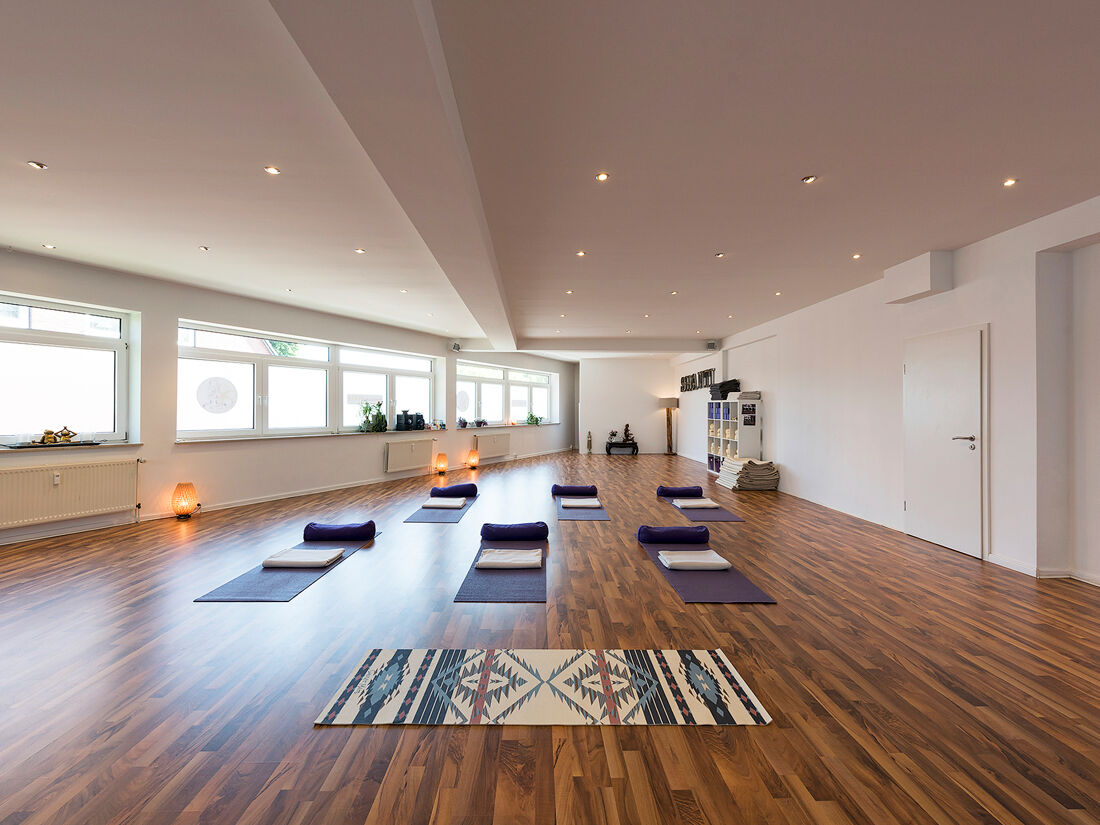

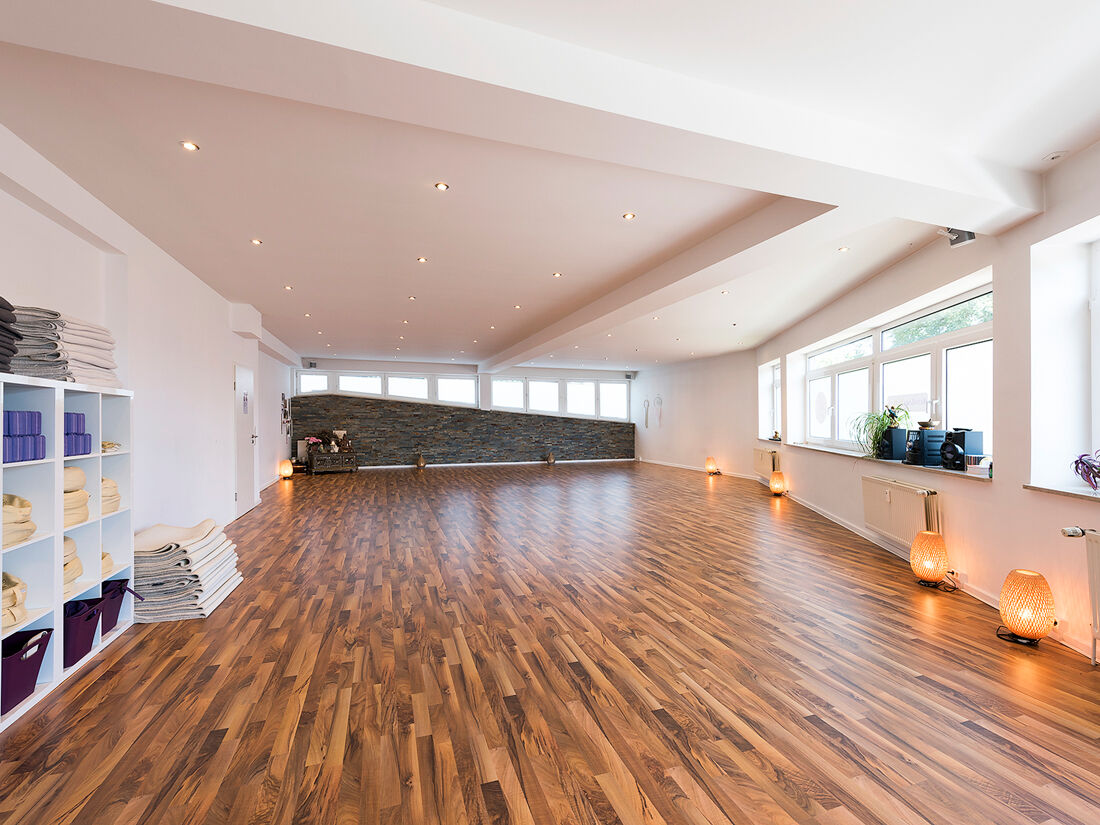
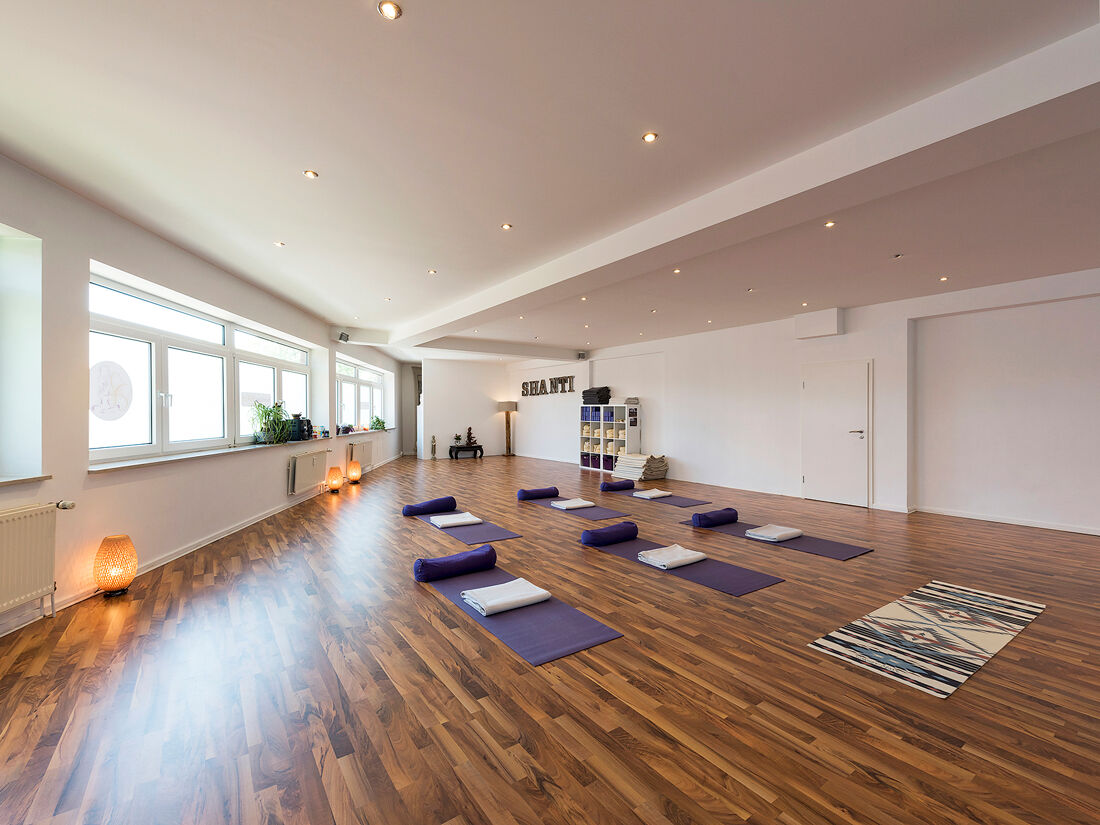
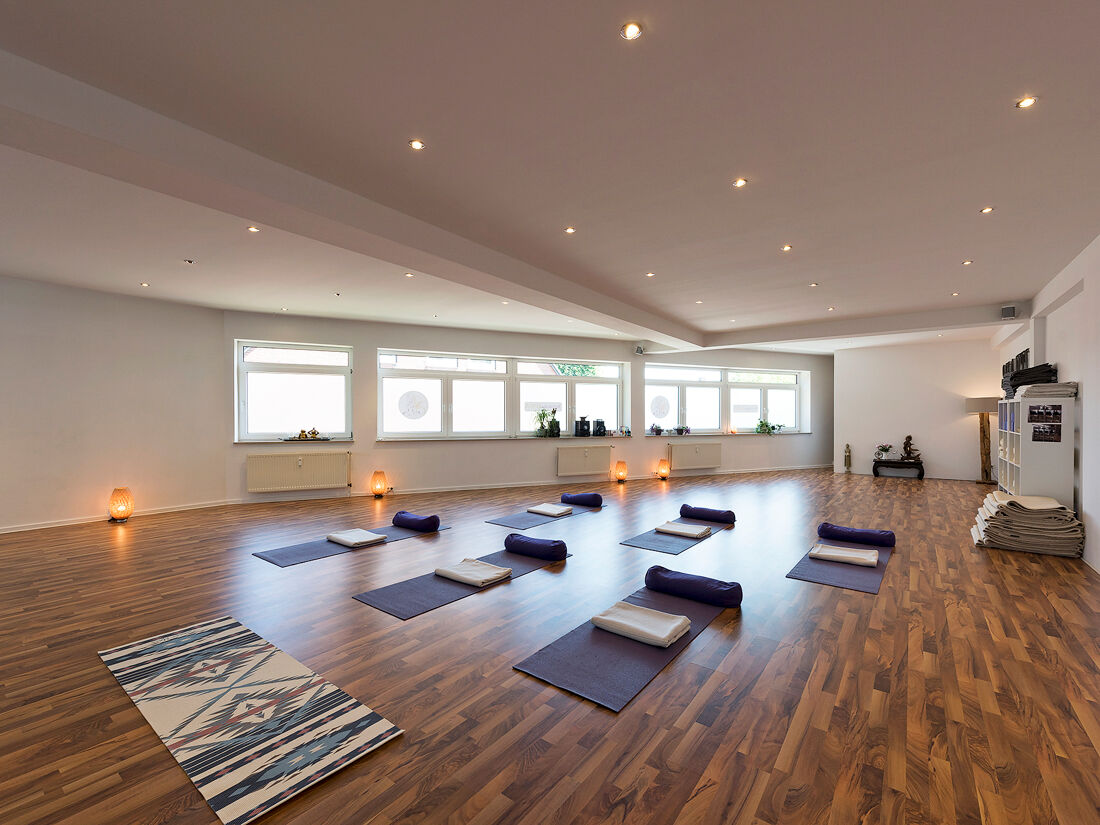
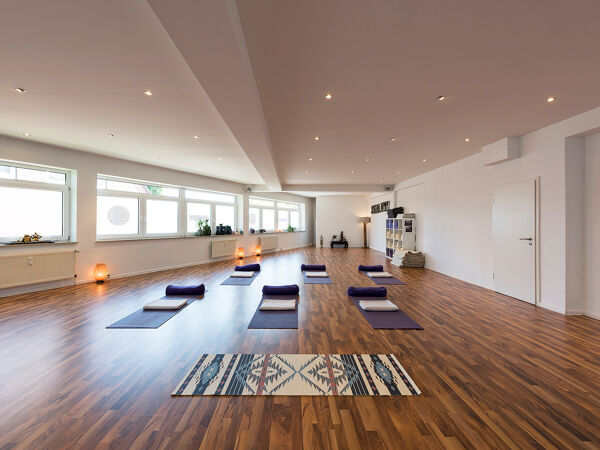


Description
Welcome to Urban Yoga Hamburg
Please note the following important information regarding booking and participation:
Registration & Payment
Registration required: Please register via our online class schedule and pay for your session online as well.
Cancellations
Self-service cancellation: Cancellations are possible up to 12 hours before the class starts—please do this directly through your account with us.
Later cancellations or no-shows will be charged in full, or the class will be counted toward your session limit.
Arrival & Participation
Punctuality: Please allow plenty of time—late arrivals are not permitted.
Admission: Our doors open 20 minutes before the class starts.
Please note the following important information regarding booking and participation:
Registration & Payment
Registration required: Please register via our online class schedule and pay for your session online as well.
Cancellations
Self-service cancellation: Cancellations are possible up to 12 hours before the class starts—please do this directly through your account with us.
Later cancellations or no-shows will be charged in full, or the class will be counted toward your session limit.
Arrival & Participation
Punctuality: Please allow plenty of time—late arrivals are not permitted.
Admission: Our doors open 20 minutes before the class starts.
Partner Services
Partner Services
Check-in & Access
As a member, you can attend up to one yoga class per day with us.
It’s important that you register for each class online via the Urban Yoga app or the class schedule on the Urban Yoga Hamburg/Studio Nord website.
Click on the class you want to attend and register online. With the registration system, you can sign in and out quickly and easily at any time.
Book the product for €0. This reserves your spot in the yoga class.
At the Studio
Check in at the studio using the QR code via the app. You’ll find the QR code at our check-in desk.
Please briefly show your check-in screen on the app to the yoga instructor. If the instructor isn’t at the check-in desk, wait a moment or go find them briefly.
It is your responsibility to check in via the app. If you forget to check in, we’ll charge you €20 for the class.
If you don’t show up or cancel less than 12 hours before a yoga class, we’ll also charge €20, since that spot can’t be used by someone else.
If you’re unable to attend a class, please cancel your reservation yourself online via Eversports at least 12 hours before the yoga class so that your spot is made available to other participants and someone else has the opportunity to attend yoga!
To do this, go to “My Bookings” and click the trash can icon next to the class you want to cancel.
It’s important that you register for each class online via the Urban Yoga app or the class schedule on the Urban Yoga Hamburg/Studio Nord website.
Click on the class you want to attend and register online. With the registration system, you can sign in and out quickly and easily at any time.
Book the product for €0. This reserves your spot in the yoga class.
At the Studio
Check in at the studio using the QR code via the app. You’ll find the QR code at our check-in desk.
Please briefly show your check-in screen on the app to the yoga instructor. If the instructor isn’t at the check-in desk, wait a moment or go find them briefly.
It is your responsibility to check in via the app. If you forget to check in, we’ll charge you €20 for the class.
If you don’t show up or cancel less than 12 hours before a yoga class, we’ll also charge €20, since that spot can’t be used by someone else.
If you’re unable to attend a class, please cancel your reservation yourself online via Eversports at least 12 hours before the yoga class so that your spot is made available to other participants and someone else has the opportunity to attend yoga!
To do this, go to “My Bookings” and click the trash can icon next to the class you want to cancel.
Address & Directions