Description
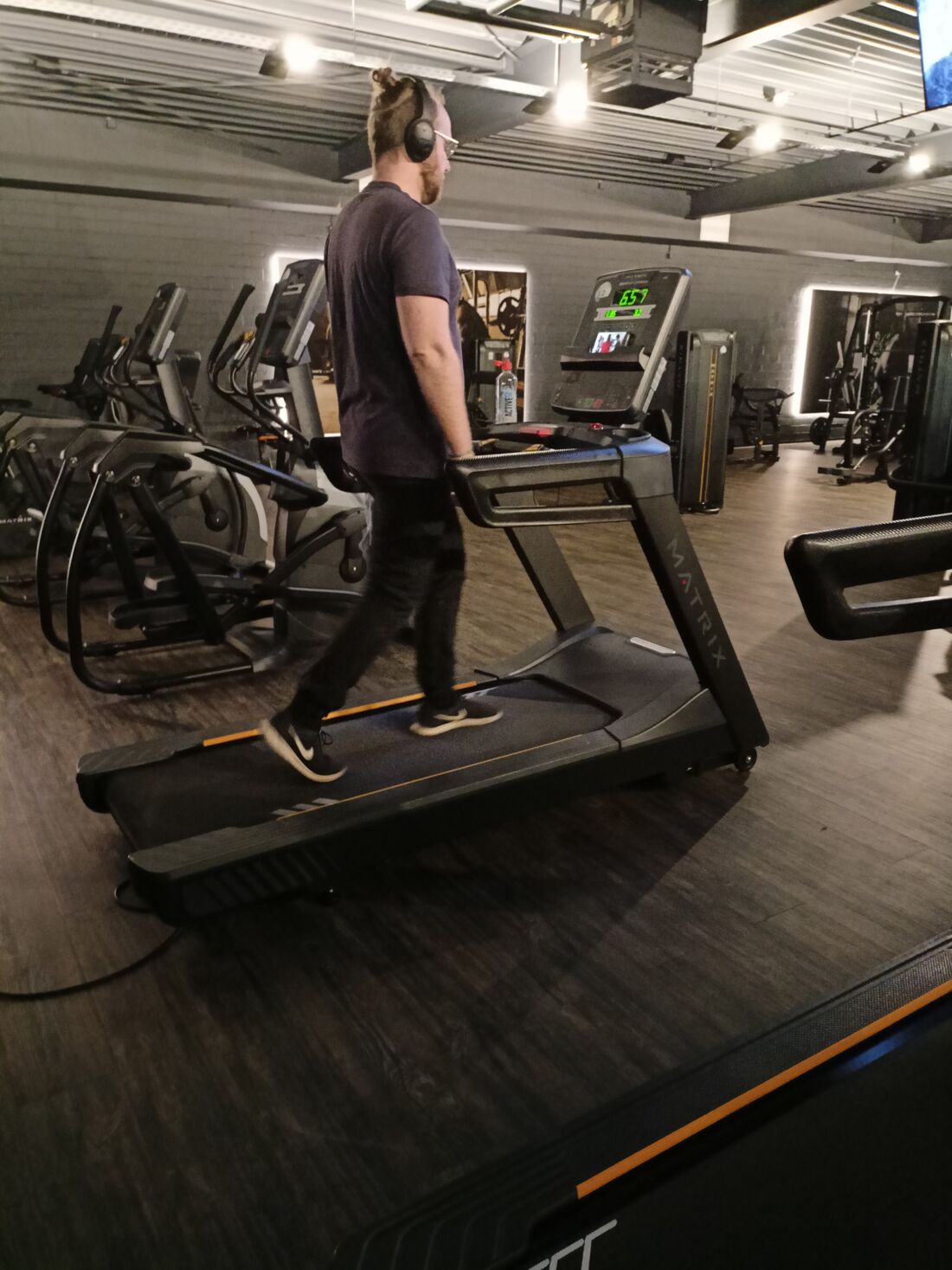
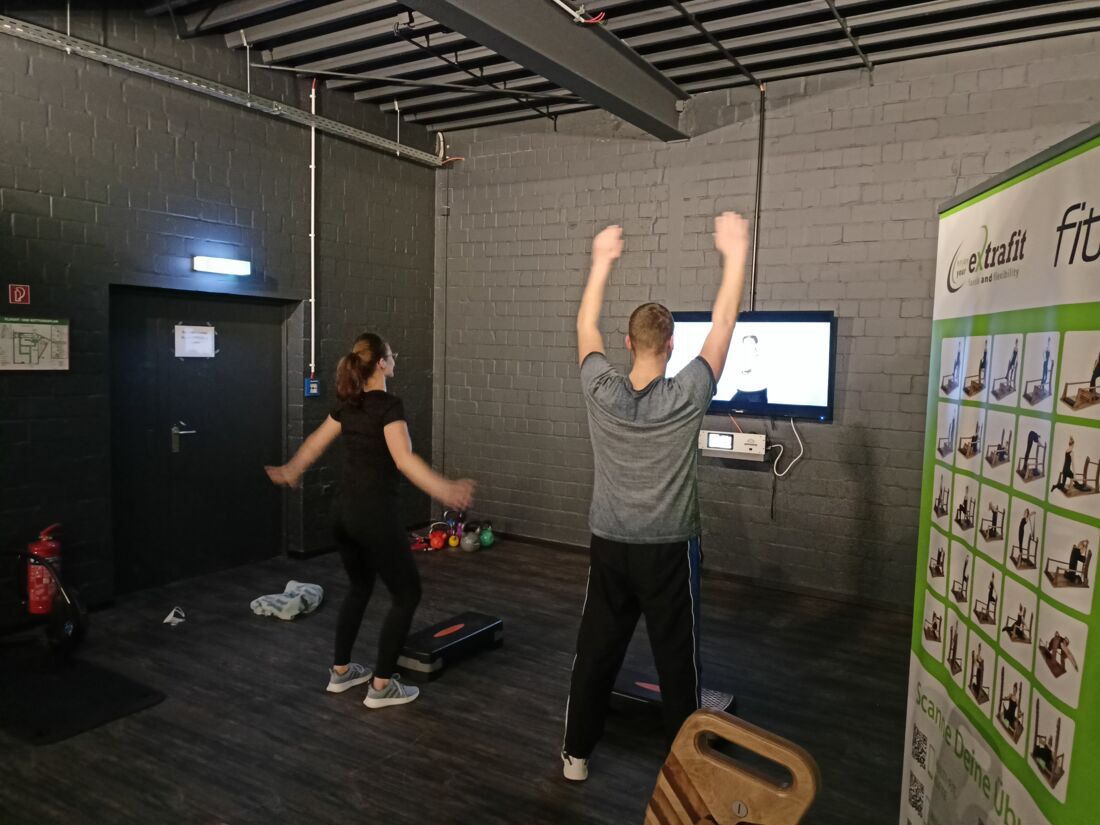
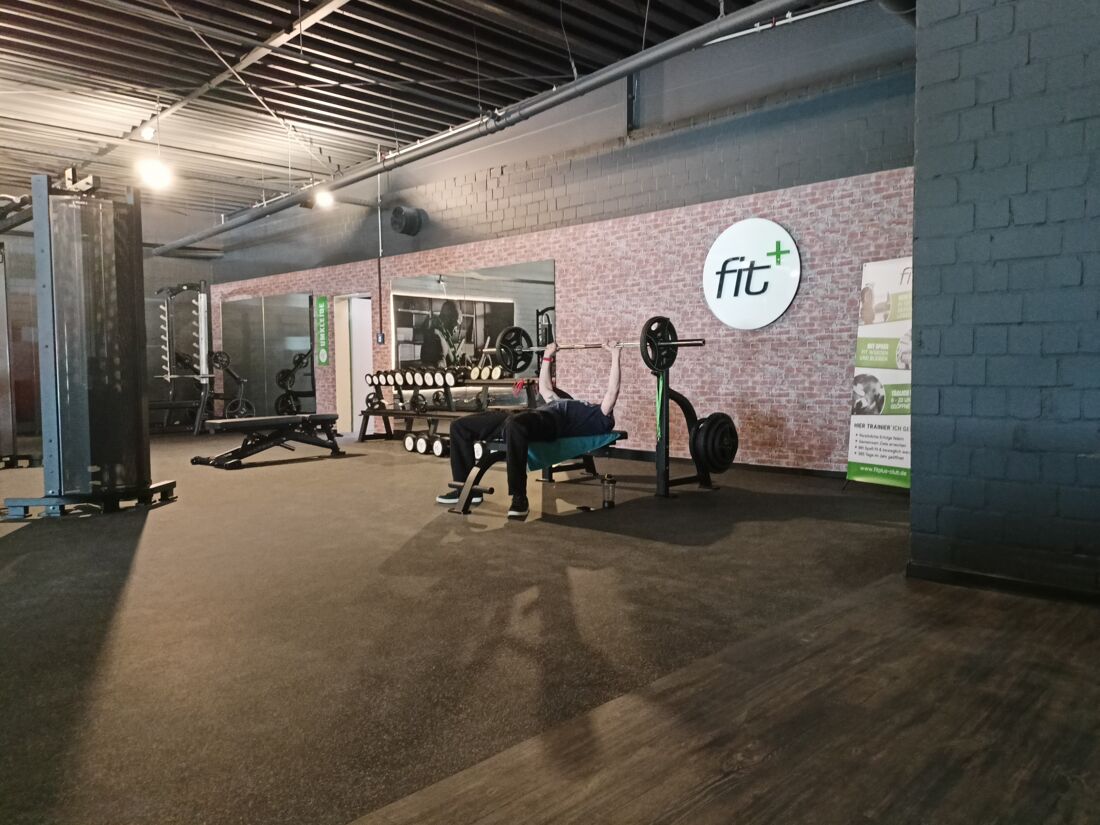
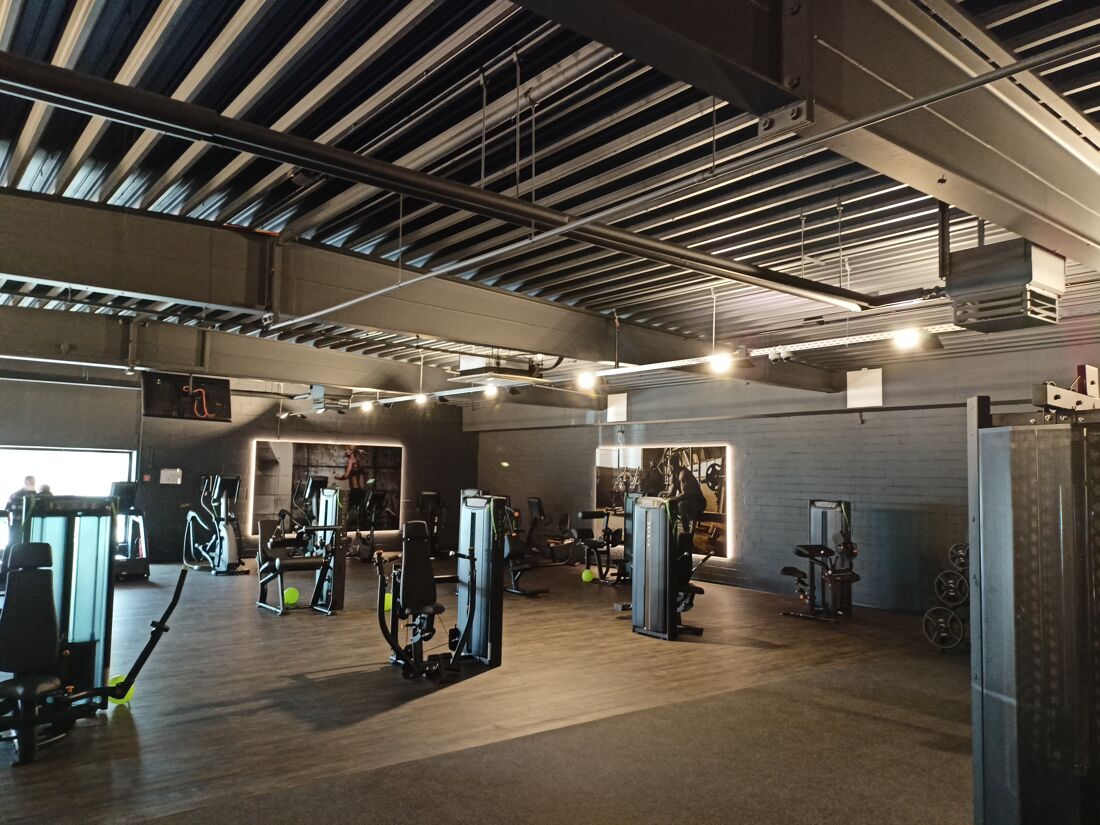
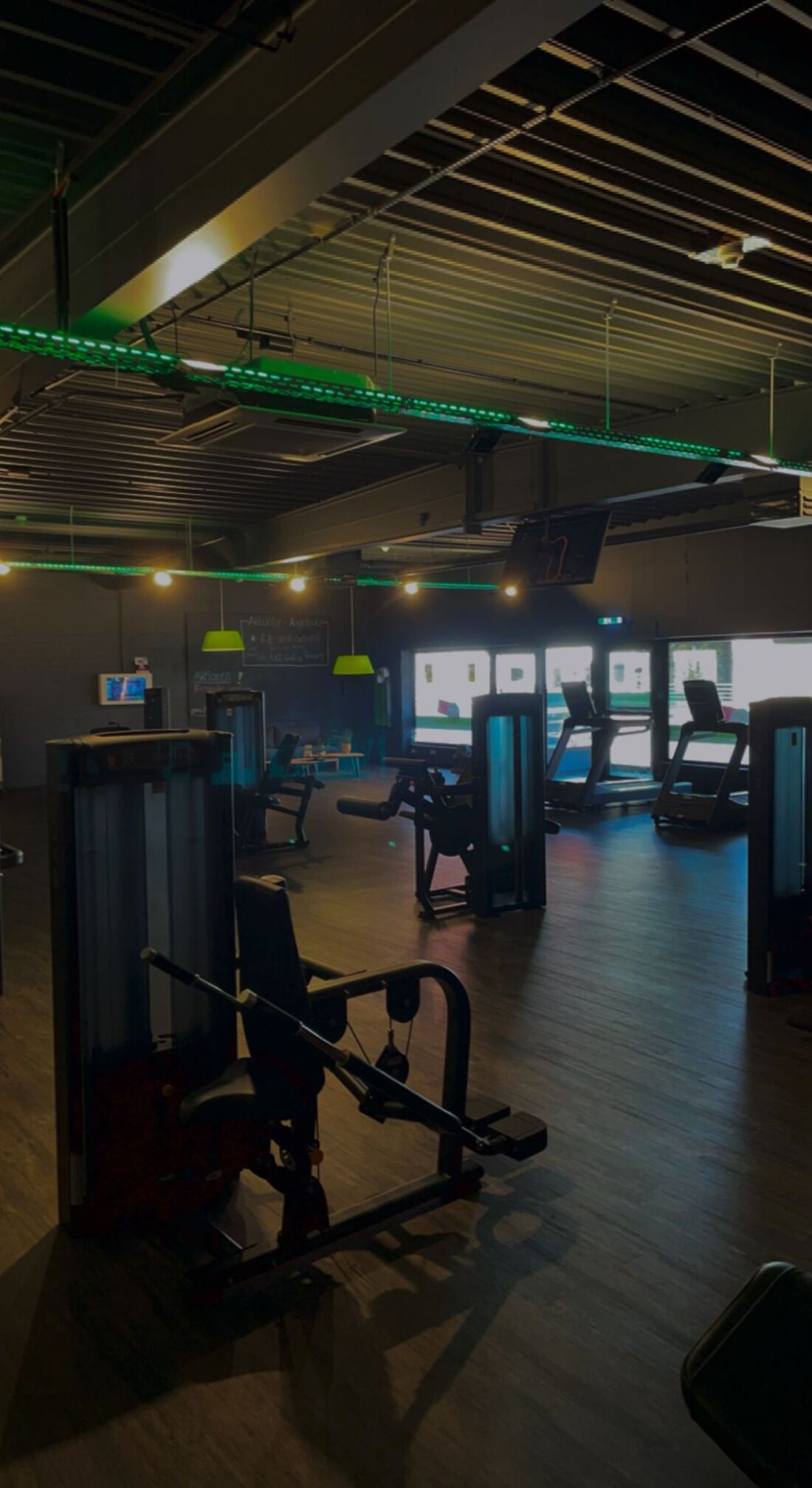
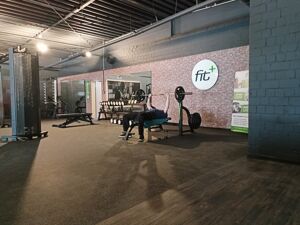
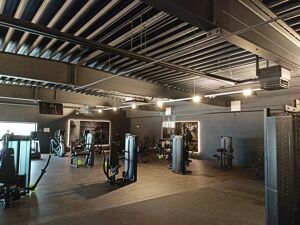
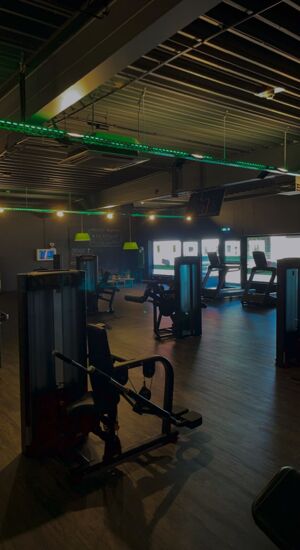
fit+ is your first contact for fitness and health in Burhave. In our new gym with bright rooms and modern equipment you will reach your personal goals with our programs.
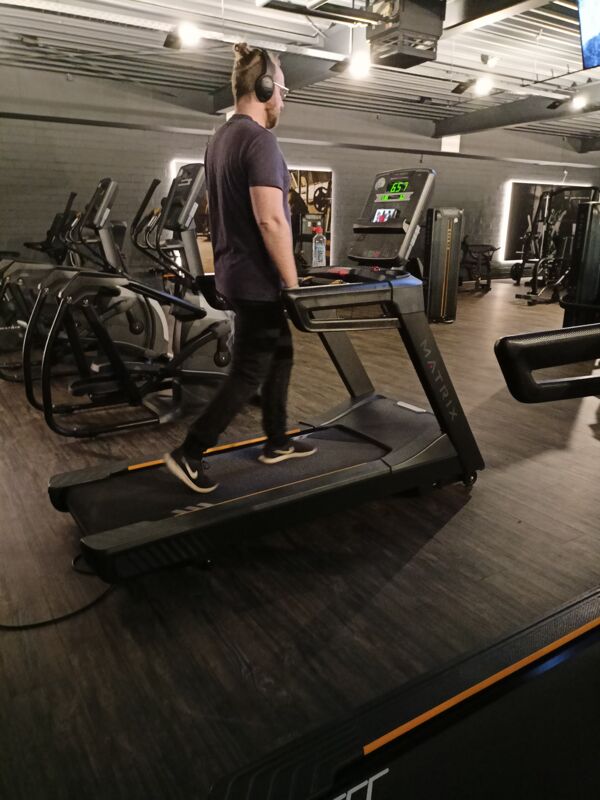
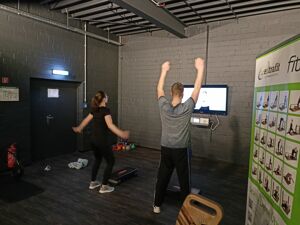
fit+ Burhave offers you very long opening hours. This allows you to integrate your visit to the gym into your daily routine. The equipment is excellent: state-of-the-art training equipment from renowned manufacturers guarantees safe training at every level - also and especially for fitness beginners. A professional weight loss program with online support helps you optimize your figure and lose weight. Convince yourself. We are looking forward to meeting you.
fit+ Burhave offers you very long opening hours. This allows you to integrate your visit to the gym into your daily routine. The equipment is excellent: state-of-the-art training equipment from renowned manufacturers guarantees safe training at every level - also and especially for fitness beginners. A professional weight loss program with online support helps you optimize your figure and lose weight. Convince yourself. We are looking forward to meeting you.
Partner Services
Partner Services
Check-in & Access
To enter the studio you need a QR code, which you can generate on our website,
https://partnerfitness.fitplus-club.de/, by entering your Hansefit data.
After that check-in via Hansefit-ID.
To access your Hansefit ID, go to your profile and click on "Show Hansefit ID". Alternatively, you can also call up your Hansefit ID via the check-in area.
Your Hansefit ID is displayed in the form of a QR code. Hold this QR code over the scanner provided at the entrance.
Please note that you must retrieve your Hansefit ID directly via the Hansefit app. A screenshot of the QR code will not work.
Open on Sundays and public holidays
https://partnerfitness.fitplus-club.de/, by entering your Hansefit data.
After that check-in via Hansefit-ID.
To access your Hansefit ID, go to your profile and click on "Show Hansefit ID". Alternatively, you can also call up your Hansefit ID via the check-in area.
Your Hansefit ID is displayed in the form of a QR code. Hold this QR code over the scanner provided at the entrance.
Please note that you must retrieve your Hansefit ID directly via the Hansefit app. A screenshot of the QR code will not work.
Open on Sundays and public holidays
Opening Hours
Sunday(Today)
06:00–23:00
Monday
06:00–23:00
Tuesday
06:00–23:00
Address & Directions